Android Tapjacking
I’ve published a testing tool called TapjackTester for determining if an Android app is vulnerable to tapjacking.
Tapjacking is the mobile equivalent of clickjacking attacks on the web. In a tapjacking attack, a malicious application places an overlay on top of a victim application in order to trick the user into performing some action in the victim application (i.e. accepting a money transfer request).
TapjackTester is specifically made for the “full occlusion” scenario described by the Android docs here. This type of tapjacking is partially prevented by default in Android 12 and above, but not for any System Alert Window (SAW) with an opacity less than 0.8. So, this vulnerability is still worth testing in modern Android applications to ensure the View.setFilterTouchesWhenObscured(true) fix is applied correctly.
Motivation
I was searching for a reliable test application for this and did not find anything satisfactory. OWASP MASTG is of course the first place to look and defines some static and dynamic tests here. I have found that it is difficult to ensure static tests are comprehensive when considering frameworks like React Native that provide abstractions over the Android View object. I also found that the dynamic tests listed in MASTG were not in a useful state:
- tapjacking-poc 28 stars (listed in MASTG) - No builds available, no README, focuses on toast-based partial occlusion.
- Invisible-Keyboard 9 stars (listed in MASTG) - Captures user input, this isn’t really tapjacking but rather UI spoofing or overlay-based phishing.
Neither of these test full-occlusion tapjacking. And Invisible-Keyboard isn’t tapjacking at all (tapjacking seeks to trick the user into unintentional taps within the victim application).
I also reviewed the more popular GitHub projects available
- tapjacker 34 stars - Since you have to choose from the list of all apps on the system, it is very hard to find the app you want to test. And it doesn’t actually test for tapjacking either - it just creates a short-lived overlay on top of the victim app. This on its own is not a vulnerability; we need to see if the victim app still accepts input.
- TapJacking-Attacks 20 stars - This does test the correct vulnerability! But it the repo does not include builds, and the app is difficult to use (partial overlay).
- Tapjacking-Framework-for-Android 17 stars - no README, no builds, last updated 13 years ago.
So, it is clear that a better testing tool is necessary.
Design
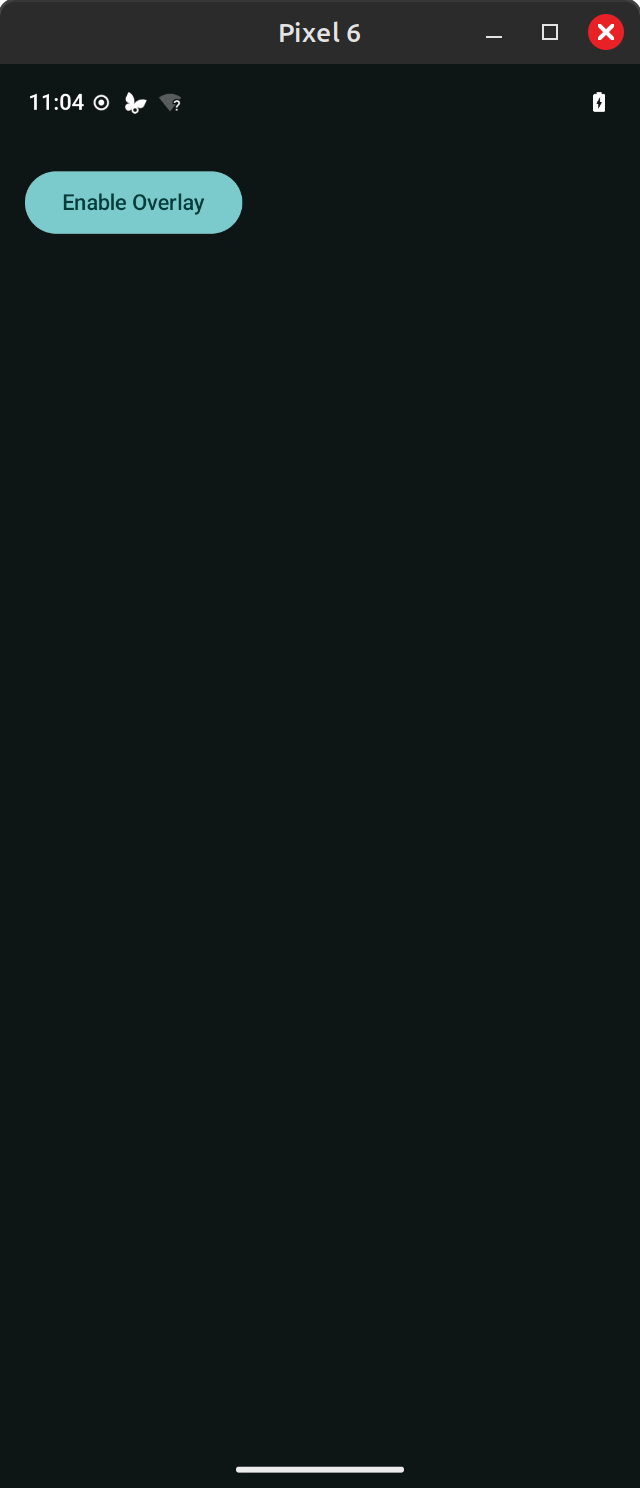
TapjackTester provides a simple toggle button to enable a transparent red overlay that persists as you swap between apps.
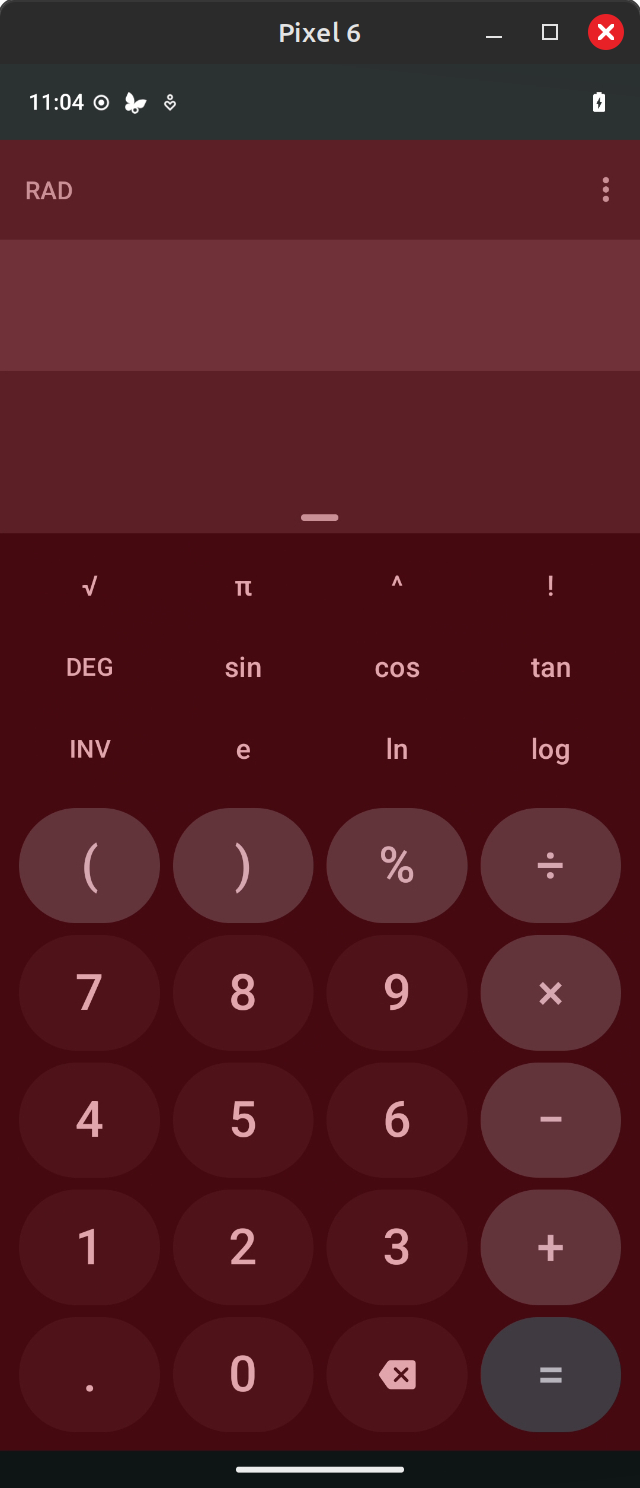
Here, I am accessing the LineageOS Calculator app with the overlay enabled. If the Calculator app accepts input in the form of taps while the overlay is enabled, I know it is vulnerable to full-occlusion tapjacking (of course, whether this is a real vulnerability that needs to be addressed depends on the use case of the application and many other factors).
Bonus Section - CI/CD
For convenience, I thought it would be useful to have a GitHub Actions workflow build the application and publish the APK files as a Release.
This turned out to be a fairly simple task. I am generating debug builds so that no real keypair is required to generate the APK.
name: Android CI

on:
  push:
    branches: [ "main" ]
  pull_request:
    branches: [ "main" ]

permissions:
  contents: write

jobs:
  build:
    runs-on: ubuntu-latest

    steps:
      - uses: actions/checkout@v4

      - name: Set up JDK 17
        uses: actions/setup-java@v4
        with:
          java-version: '17'
          distribution: 'temurin'
          cache: gradle

      - name: Grant execute permission for gradlew
        run: chmod +x gradlew

      - name: Build APK
        run: ./gradlew :app:assembleDebug

      - name: Upload APK artifact
        uses: actions/upload-artifact@v4
        with:
          name: app-debug-apk
          path: app/build/outputs/apk/debug/*.apk

      - name: Publish GitHub Release (APK)
        if: github.event_name == 'push' && github.ref == 'refs/heads/main'
        uses: ncipollo/release-action@v1
        with:
          tag: ci-main
          name: CI Build (main)
          allowUpdates: true
          replacesArtifacts: true
          artifacts: "app/build/outputs/apk/debug/*.apk"
          token: $